Local migration checkpoint
Know what survives before your notes move.
Inventory notebooks, attachments, links, and fragile formatting. Then compare the destination export and catch losses while the original is still safe.
No account. No upload. No telemetry.
01 Read-only
02 ZIP-safe
03 Scriptable JSON
04 Open source CLI
Browser counter / free
Run a private spot check
Select an unzipped export folder. This quick inventory runs entirely in this tab. Use the CLI for ZIP/ENEX parsing, content fingerprints, and the authoritative comparison.
Your browser may confirm folder access. Files are read locally and never sent anywhere.
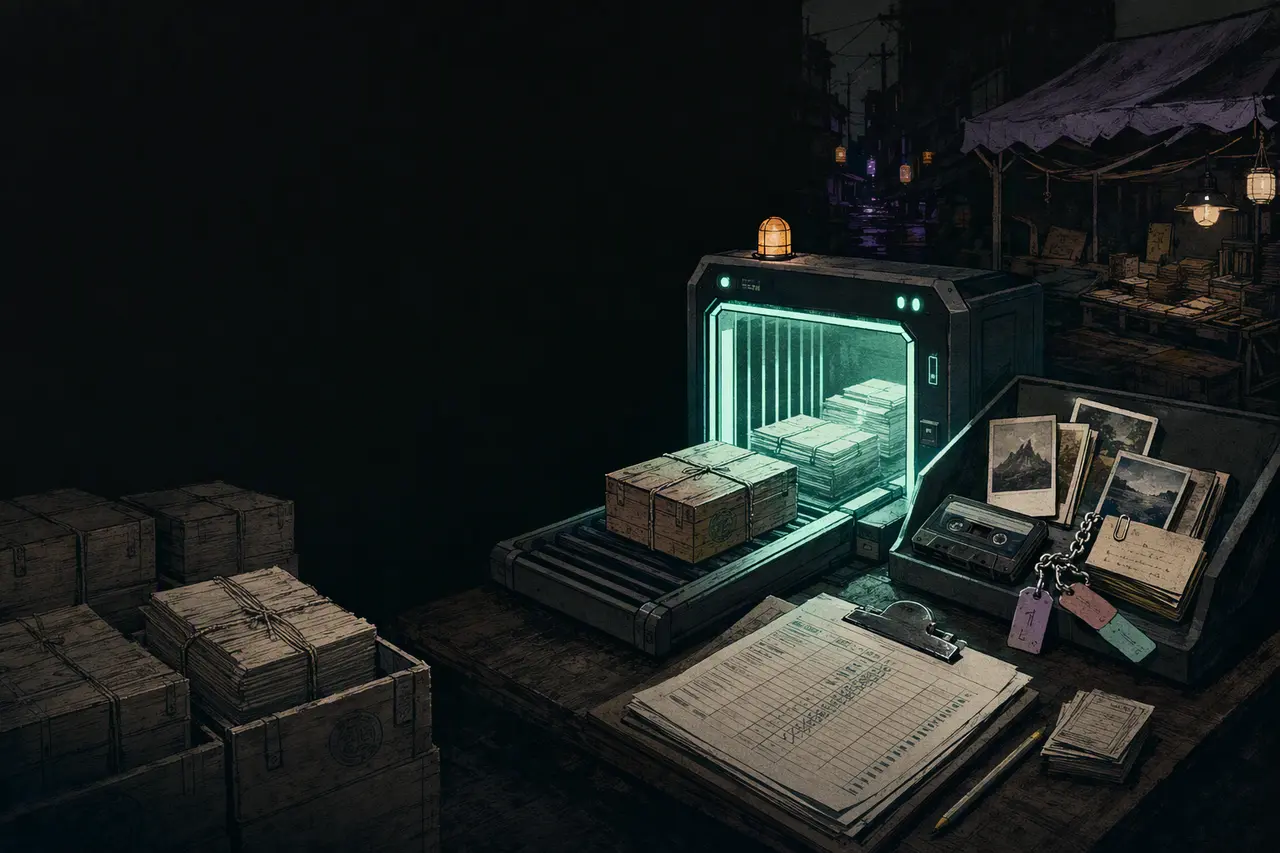
Nothing on the belt yet
Choose the folder created by your notes app’s export command.
That folder could not be inspected
Try the export again or use the CLI for this format.
- Notebooks
- 0
- Notes
- 0
- Attachments
- 0
- Attachment load
- 0 B
Conversion watchlist
Online — not required for inspection.
The real workflow
Two manifests. One honest answer.
- 01
Scan the source
Save the baseline before any importer touches the archive.
notes-preflight scan export.zip --json > before.json - 02
Make the move
Import into the new app, then export the destination once.
Use a copy. Keep the original. - 03
Compare the cargo
Find missing notes and attachment bytes by title and fingerprint.
notes-preflight compare before.json after/ --fail-on-loss
Single local binary
Built for the archive you actually have
Scan directories, ZIP files, ENEX, Markdown, HTML, text, and common JSON exports. Bounded parsing treats every archive as untrusted.
$ notes-preflight scan apple-notes.zip

PREFLIGHT MANIFEST
apple-notes.zip

Notebooks       18
Notes        4,291
Attachments  1,087  (2.4 GiB)
Links        6,804  (23 unresolved)

RISKS
[WARNING] Audio recordings are often unsupported ×47
[NOTICE] Tables may change layout ×112

$ notes-preflight compare before.json destination/ --fail-on-loss
MIGRATION CHECK: LOSS DETECTED
Missing attachments (3): receipt.jpg, interview.m4a, sketch.png
Preflight Plus / $19 once
A repeatable migration desk
The open-source CLI stays complete. Plus adds a browser comparison workspace, locally saved baselines, printable audit sheets, and 30 days of setup help for one migration.
- One-time purchase, no subscription
- Files still remain on your device
- Sociobot/Dodo is merchant of record
Free CLI + browser scan active
Plus workspace unlocked
Compare the current source scan with an unzipped destination export.
Before you ask
No magic, no hidden access.
Does this modify my notes?
No. The CLI opens exports read-only and never extracts ZIP archives. The browser demo only reads files you explicitly select.
Can it open encrypted backups?
No. It does not bypass application encryption, scrape accounts, or reverse proprietary databases. Export through the notes app first.
What does a pass guarantee?
It confirms inventory-level survival for recognized notes and attachment bytes. Formatting risks still need a sample review in the destination app.